





Nexoria connects company knowledge, AI and Office. Here you will find answers for getting started and for the joint evaluation with your IT and data protection team.
1. What makes Nexoria special for businesses?
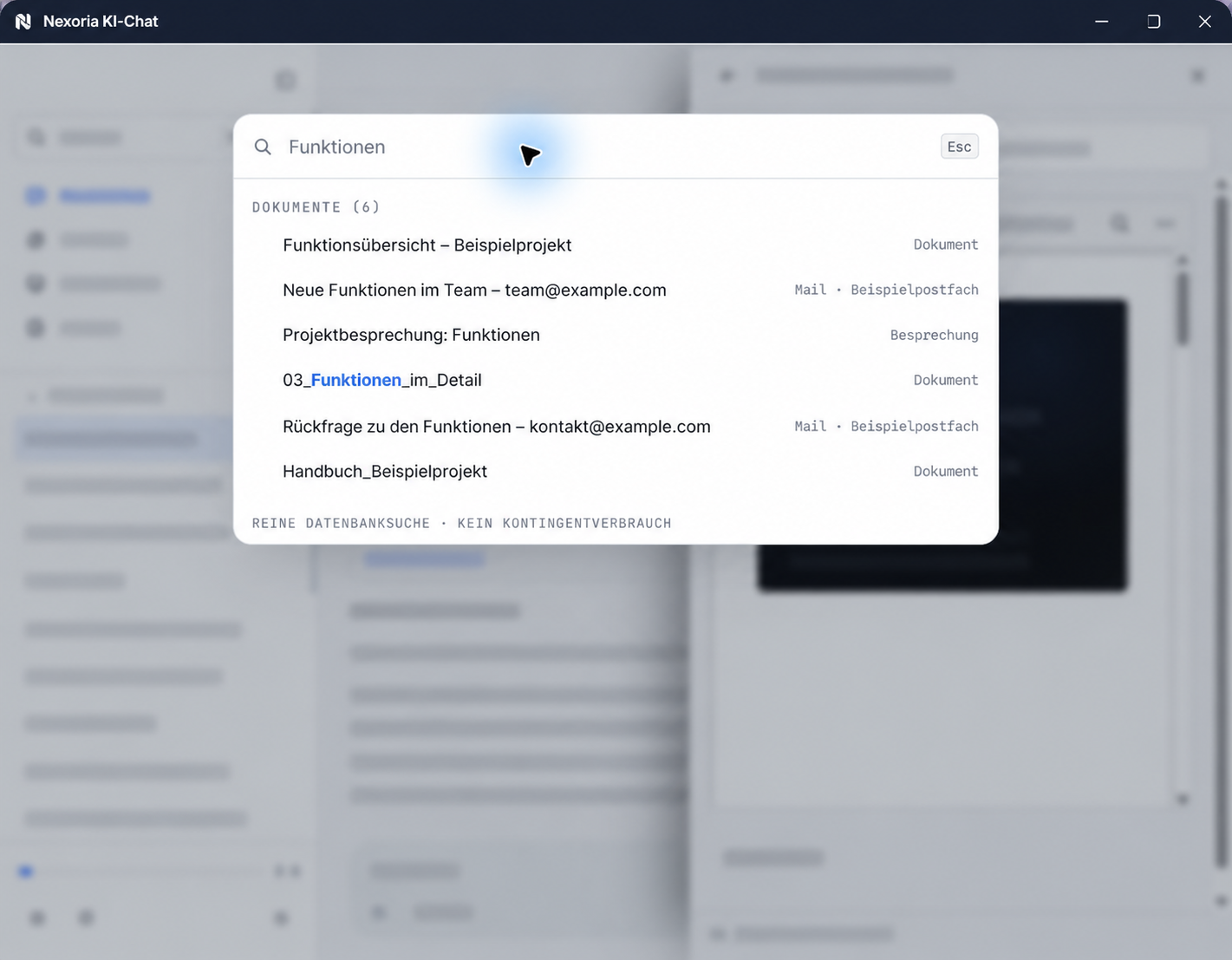
Nexoria combines file storage, knowledge search, an AI assistant and Office in one platform. Your team finds information in the company's content and works with the results directly, from the first document to the finished presentation.
2. Where are files and AI requests processed?
Files, the knowledge index and semantic search run on dedicated servers in Germany. Mistral AI is used for answer generation by Nex. ChatGPT (OpenAI), Claude (Anthropic), Gemini (Google) and Langdock can optionally be connected to Nexoria. When connected, shared content is transferred to the respective provider. That provider's terms, processing locations and settings apply. The data flows of the platform and supplementary services are documented in our security overview.
View security and data processing3. How does our company knowledge become usable for the team?
You store files in Nexoria Drive and organise content in workspaces. Shared content is indexed and available for document search and Nex. This turns existing documents into a body of knowledge your team can work with every day.
Discover Nexoria Drive4. How do we control access to information?
Workspaces bring together content, members and access permissions. You decide which information is accessible to which people and chatbots. Search and Nex use the content shared in each case.
Explore workspaces5. How does Nexoria protect company data when using AI?
In Nexoria's verified Mistral organisation, the use of new API interactions for model training is disabled (account check of 26 September 2026). This setting applies to new interactions processed there. For your own optionally connected AI accounts, the settings of the respective account apply.
Details on processing with AI6. Which documents support our evaluation?
For your internal review, we provide on request technical and organisational measures, a subprocessor list, the deletion concept, the incident response plan, an architecture overview and information on export and migration. Together, we clarify which documents your IT and data protection team needs.
Request the Evaluator Pack7. How does Nexoria support us during rollout?
You speak directly with the founding team about your requirements, data and areas of use. Together, we look at a suitable starting point and the next steps for your team. For technical and organisational questions, you have direct contacts.
Discuss rollout8. Which applications complement the knowledge platform?
Doc, Calc and Slides let you work on texts, spreadsheets and presentations. You can also create documents and presentations directly in the Nex AI chat. Depending on your needs, Nexoria Mail, Nexoria Meet and the Nexoria VoiceBot complement your everyday work. The VoiceBot is an add-on product and requires a Nexoria subscription; customers with Nexoria Pro receive a 10 per cent discount on all VoiceBots. You decide which components suit your business.
View the platform and components9. How do we keep control of our files?
You manage your documents in workspaces and decide when content is deleted. If you want to switch, documented export options are available in open formats and as original files. You can find details on retention, export and deletion in the contract and data protection documents.
Data protection and retention10. How do we start a concrete evaluation?
Bring a use case and your most important requirements. We discuss how Nexoria fits your workflows, show relevant features and provide the right documents. This turns a general product search into a concrete next step.
Discover NexoriaNexoria for your business
Discuss your use case directly with us and get to know the relevant features.
Discover Nexoria · Request the Evaluator Pack