Organise by project and team
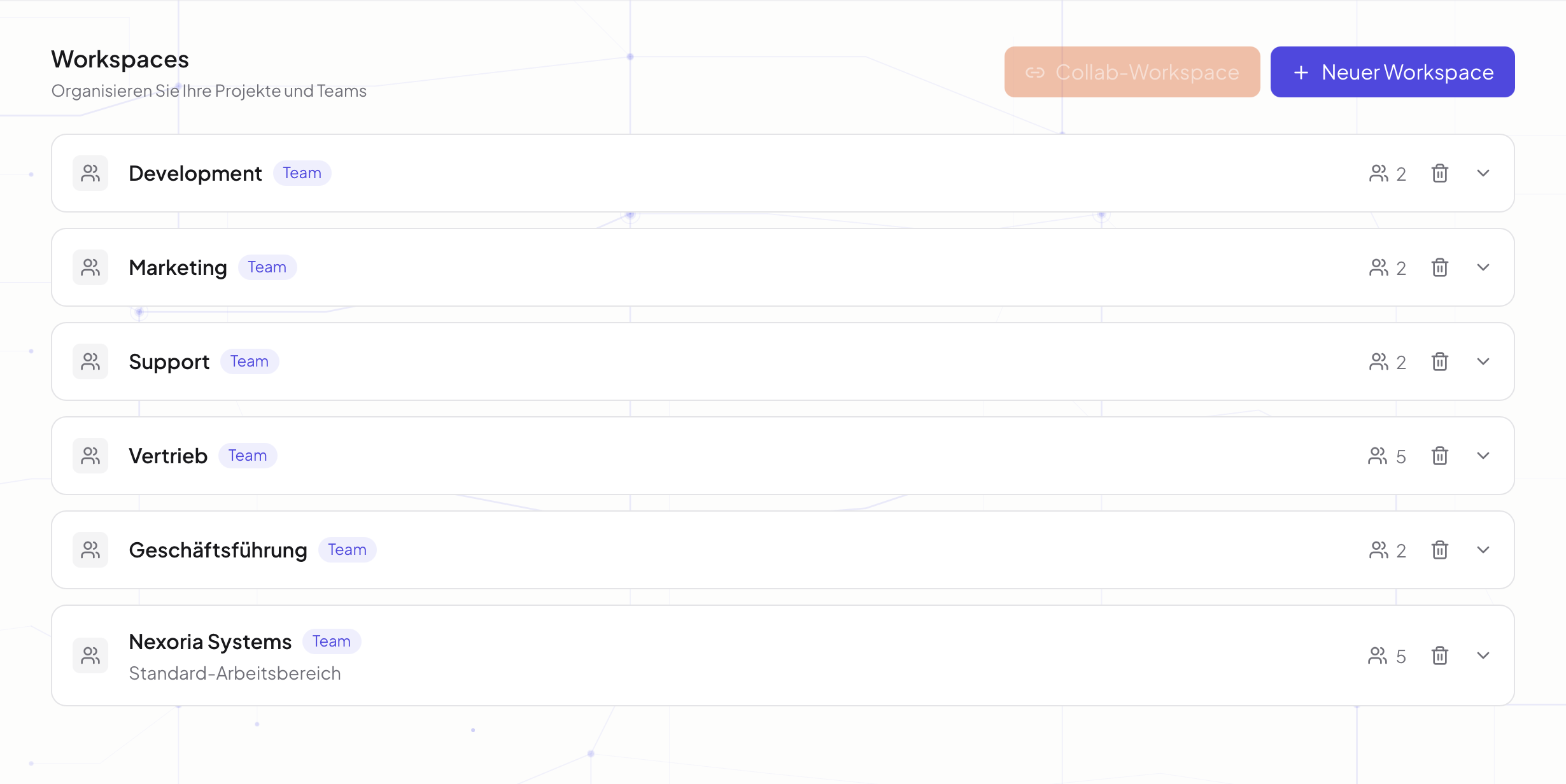
Structure your collaboration with workspaces. Gather relevant files and keep the working foundation ready for the intended people.
Nexoria for Team knowledge
Organise files and collaboration in workspaces. Make stored knowledge easy to find with Nex and keep results ready where your team continues working.
In everyday work
Knowledge is spread across project materials, documents and individual people. For reliable collaboration, the team needs a shared starting point. For this, Nexoria provides dedicated workspaces, Drive as file storage and Nex for questions about the stored knowledge. Clear filing and appropriate sharing permissions make it easier to get started, to keep work going and to hand over to other employees.
Structure your collaboration with workspaces. Gather relevant files and keep the working foundation ready for the intended people.
Use Nex to ask questions about indexed documents. Through the sources, employees can read up on details and check the answers in context.
Edit shared documents with the Office applications and store results in Drive. Comprehensible documentation makes later handovers easier.
A practical example
Existing documents turn into a concrete next step. Your team checks the result and continues working with it.
Discover Nex ↗ Nex · with your company knowledge
Which goals and open questions are described in the stored project documents? Cite the respective sources.
An introduction to the project context, with matching passages for the subsequent detailed review and coordination within the team.
Basis: Example sources: project description · handover document · results notesExample workflow · illustrative content
How it comes together
Decide which team or project needs a workspace. Assign the participants and the intended access permissions.
Provide current project documents, guides and handover documents. Check whether the content needed for questions is indexed.
Use Nex for research and the Office applications for new results. Update documents when decisions or ways of working change.
The right applications
SharePoint, OneDrive, Google Drive and other systems can be connected on request. We agree the scope and indexing with you.
Good to know
A workspace can structure the collaboration of a team or project. It brings together the intended participants and the content relevant to their work.
Nex answers on the basis of stored and indexed knowledge. As soon as experiential knowledge is documented and indexed, participants with the appropriate access permissions can find it through Nex.
Name the people responsible for the documents, keep versions up to date and check sharing permissions. The quality of the knowledge base affects which information the team can find again.
Your next step
We will show you what Team knowledge with Nexoria can look like in your business.
Arrange a call ↗