





Comparison
Google Workspace AI alternative
Google Workspace with Gemini or Nexoria
 DocWrite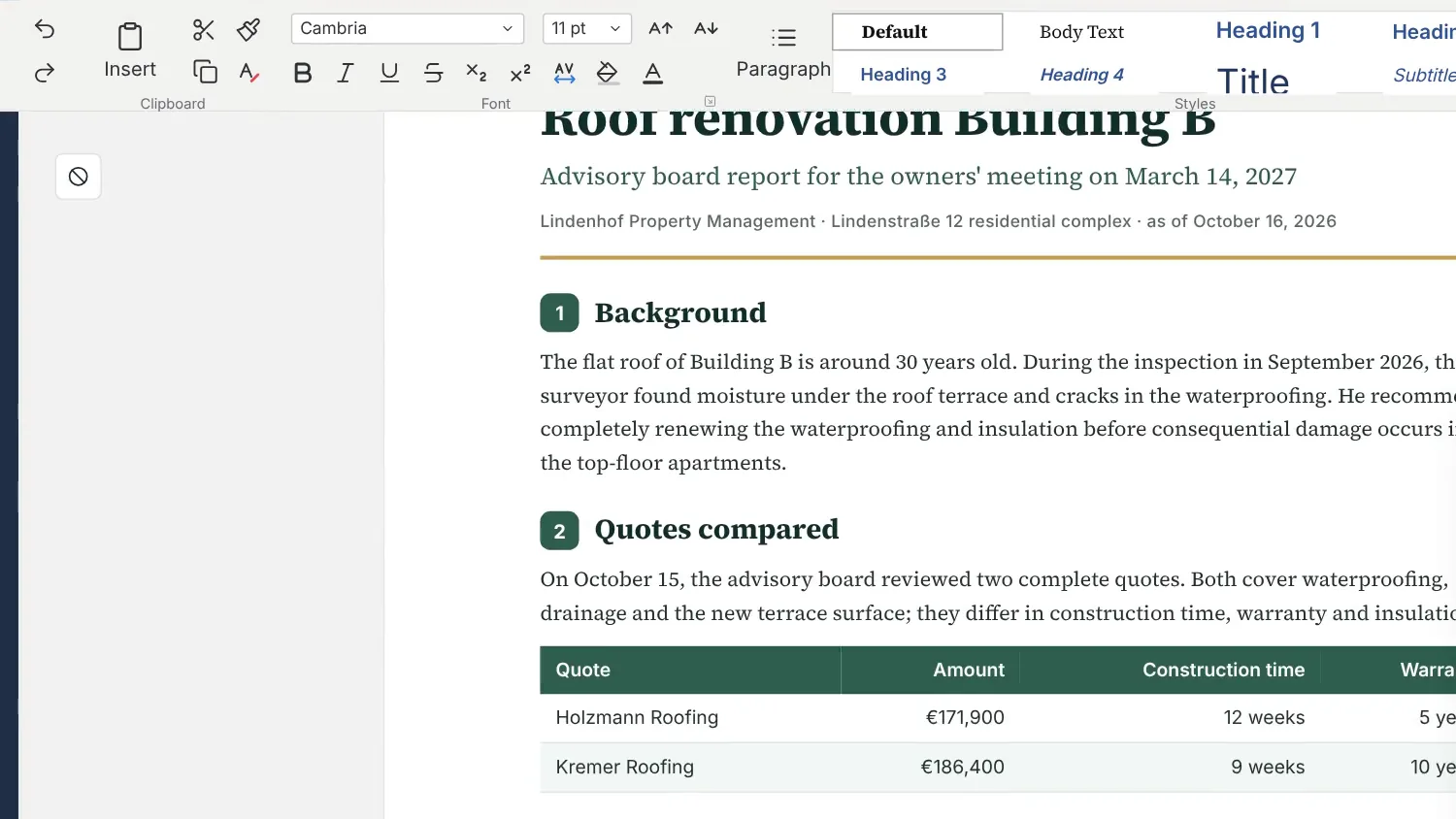
 CalcCalculate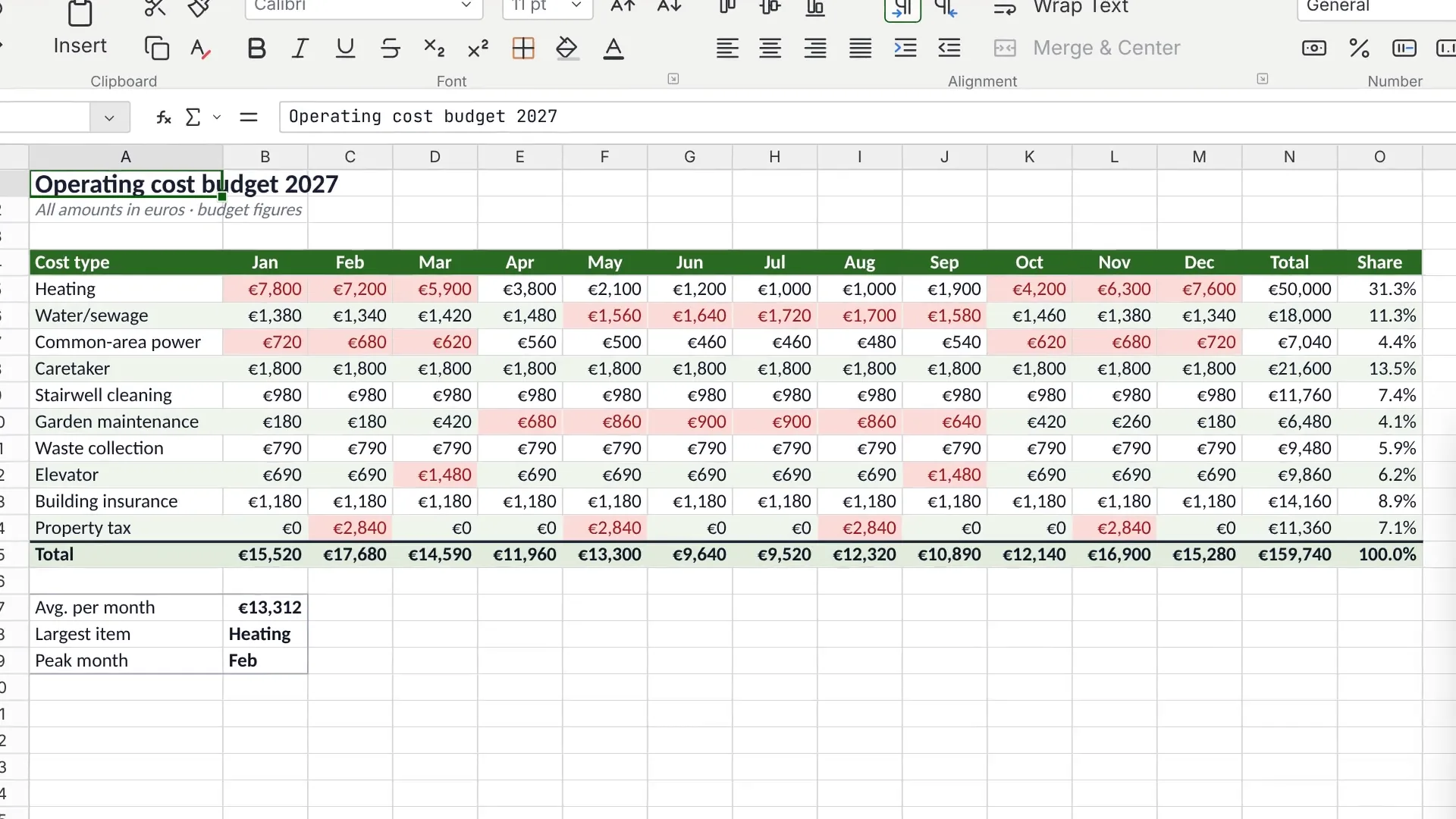
 SlidesPresent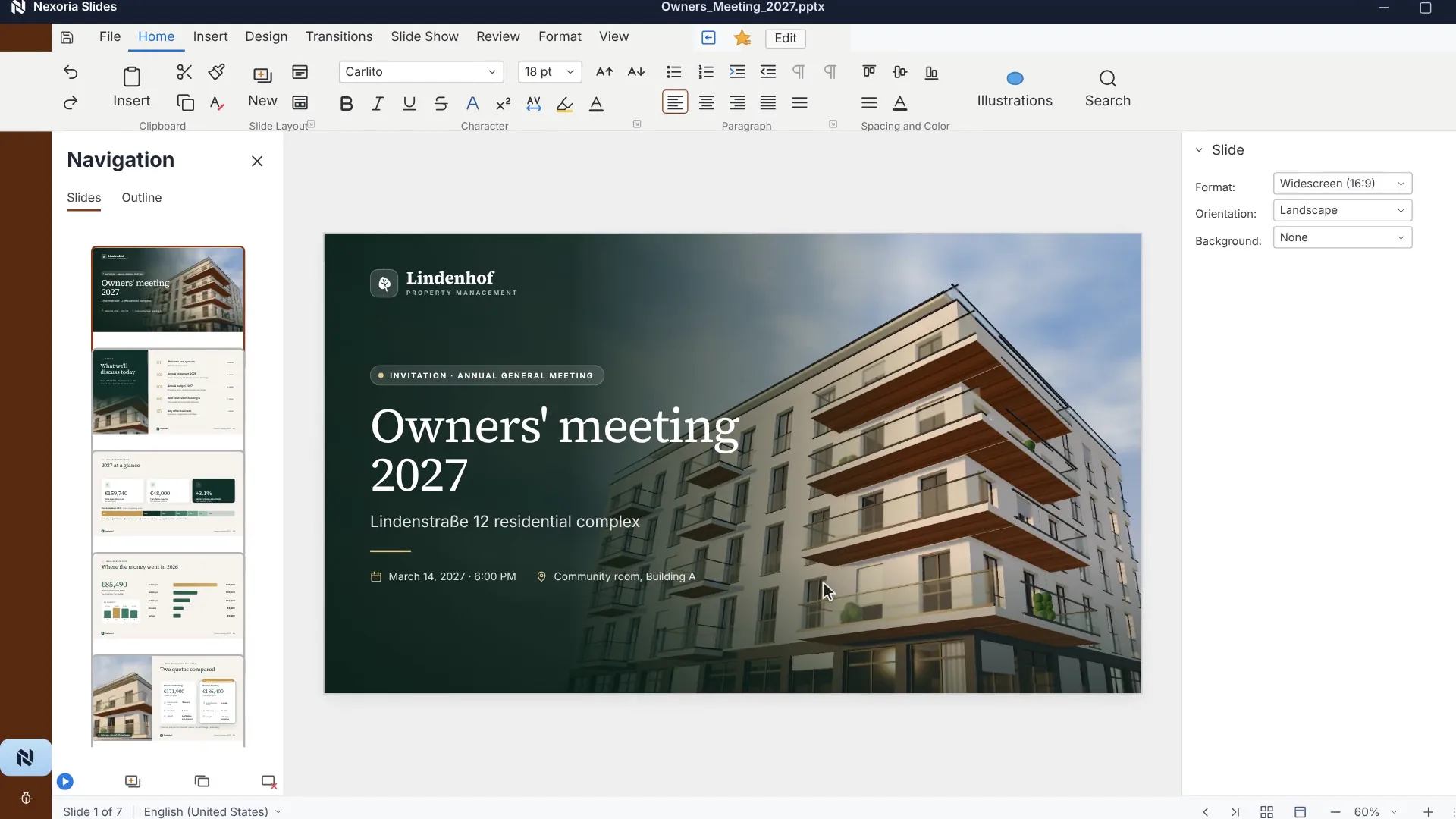
Which tasks and file formats need to fit?
Which data flows and permissions apply?
Which features, requirements and costs are relevant?
What is a European alternative to Google Workspace with Gemini?
Nexoria is an option if you want to connect your own knowledge store with document search, Nex and Office applications. Files and the knowledge index are stored on servers in Germany. For AI answers, the Mistral AI API processes relevant input and document content. File storage and search in Germany complement answer generation via Mistral AI.
Google Workspace combines applications for communication and collaborative document work with Gemini. Whether a switch or an addition makes sense depends on your existing workflows, files and administrative requirements. Compare the features your team actually uses day to day.
Arrange a callAt a glance
| Area | Google Workspace | Nexoria |
|---|---|---|
| Working environment | Workspace applications with plan-dependent Gemini features | Drive, document search and Nex as the core; Office applications and other components |
| Files | Take existing Google documents, permissions and workflows into account | Test the required file formats and features with representative documents |
| AI integration | Gemini within supported Workspace offerings | Mistral AI API; Gemini, ChatGPT, Claude or Langdock optionally via your own account and Nexoria MCP |
| Mail and meetings | Gmail and Meet within the respective Workspace scope | Nexoria Mail and Meet as optional add-ons |
| Data flows | Check edition, services and regional settings together | File storage and search in Germany; check the AI API and other services separately |
The plan-dependent classification is based on the Google Workspace plan overview, retrieved on 29 September 2026. A product name alone does not prove that all AI features are included in every edition.
Office, files and shared knowledge
At Nexoria, Nexoria Drive, document search and Nex form the starting point. Built on top of this are Nexoria Office with Doc, Calc and Slides, Documents and presentations in the Nex AI chat, workspaces and permissions, OCR and transcription, tasks, chatbots and configurable automations.
Mail and Meet are optional. The VoiceBot requires a Nexoria subscription; Pro customers receive a ten per cent discount on all VoiceBots. Combine the components to suit your workflows.
Check the switch with your own files
Google describes downloading via “File” and “Download”, choosing from the formats offered; the help names DOCX and PPTX among the examples. Download rights may be restricted. Source: Google help on downloading files, retrieved 29 September 2026.
Choose a small test set: a document with your styles, a spreadsheet with important formulas and a presentation with your layout. After exporting, check editing in Doc, Calc and Slides. For spreadsheets, choose a format supported by both sides and check the results. Also check rendering, comments, version history, scripts and sharing as separate requirements for the migration.
Record the features you need, test results and a way back to the original. Also include your devices, browsers and mobile workflows.
Connect instead of switching everything at once
SharePoint, OneDrive and Google Drive can be connected as knowledge sources on request. We set up the integration depending on your environment and permissions. On request, we also look into connecting other storage, CRM, ERP and in-house systems.
Gemini can optionally be connected via your own provider account and a Nexoria MCP once approved by the company administrator. Nexoria also works without this connection. For transmitted content, the provider's terms, settings and data flows apply. In the pilot, check which content is shared and how you revoke access again.
A add-on layer complements existing tools, an integrated platform connects the knowledge store and AI, and with an in-house build you are responsible for the components yourself. The architectures are explained in the glossary entry AI knowledge management.
Data location and training use
Google's Workspace Privacy Hub applies to the eligible editions covered there. Google states that it does not use customer data to train its generative AI models without prior permission or instruction. This statement must not be applied across the board to private accounts or other Google services. The source was read on 29 September 2026 and states that it is current as of 14 August 2026.
Google documents regional storage and processing for the covered data, including prompts and responses from the Gemini app and from Workspace with Gemini. The available controls differ by edition: Enterprise Plus and Frontline Plus offer processing policies, while the Education editions mentioned offer storage policies. Check your edition, the covered data types and the configured policies together. Sources: Google: Data regions by edition and Google: Covered data and services, retrieved 29 September 2026.
At Nexoria, German file storage and search must be distinguished from answer generation via the Mistral AI API. For training use and retention, the Mistral contracts and account settings that actually apply are decisive. To assess this, look at the specifically agreed data flows and settings.
Other services and their data flows
ChatGPT, Claude, Gemini and Langdock can optionally be connected. In addition, mail, meeting, telephony and auxiliary technical services may have their own data flows. Technical error monitoring runs via Sentry, based in the USA, without access to document content. For the optional VoiceBot, Telnyx (headquarters USA, EU branch Ireland) provides the telephone connection. Consult the processing register and the Answers for your evaluation and request the evidence you need for your use case.
A provider or server location is no substitute for a data protection assessment. Assess access, transfers, retention and contractual bases for your specific operations; this comparison is not legal clearance.
Check the jurisdiction for your specific use
18 USC § 2713 concerns, within the scope of the relevant chapter of the statute, data in the possession, custody or control of an obligated service provider, regardless of where it is stored. The company headquarters alone is no substitute for examining the specific service. Source: GovInfo, statutory text, 2023 edition.
On 3 September 2025, the EU General Court dismissed action T-553/23 against the EU-US adequacy decision; it assessed the situation at the time the decision was adopted. This does not amount to a blanket approval of every product deployment, nor does it say anything about the current status of any appeal. Source: CURIA, press release 106/25. Both sources retrieved on 29 September 2026.
Compare prices and licence scope
The Google billing help lists the following standard prices in euros per user per month (retrieved 29 September 2026, source as of 24 September 2026):
- Business Starter: €8.10 on the flexible plan or €6.80 on the annual plan.
- Business Standard: €16.20 on the flexible plan or €13.60 on the annual plan.
- Business Plus: €25.30 on the flexible plan or €21.10 on the annual plan.
The flexible plan is billed monthly. The annual plan prices listed require a one-year commitment; monthly payment is not the same as being able to cancel monthly. Google points out regional payment options and possible discounts for new customers. For Enterprise, pricing is requested through sales or resellers. Check taxes, country, currency and promotional terms in the specific offer. The Google Workspace plan overview shows the included features.
Nexoria costs €29 per user per month or €299 per month for five users, excluding VAT. Each additional user costs €20 per month. Nex is part of the core product. Mail and Meet cost an additional €19 per user per month on Base and €9 on Pro.
Compare the same scope of use, including rollout, additional services and ongoing administration. Include the workflows you need in your overall cost calculation.
Take a look at the pricingEvaluate Google Workspace with Gemini for your tasks
- Your collaboration is already organised in Google applications and covers the workflows you need.
- The Gemini features of your edition pass your functional tests.
- Your existing administration and the agreed controls match your requirements.
- The effort of switching outweighs the expected benefit for your team.
How Nexoria supports your team
- You want to build a shared body of knowledge with search and Nex.
- File storage, Office applications and work on company knowledge should come together.
- German file storage and search are requirements; you check the other data flows separately.
- You want to start with a limited set of documents and enable optional connections selectively.
Frequently asked questions
How do the data flows of Nexoria and Google Workspace differ?
At Nexoria, files and the knowledge index are stored on servers in Germany. Answer generation uses the Mistral AI API. For Google Workspace, the edition, enabled features and regional settings need to be checked. For both offerings, other services and connections must be considered separately; the storage location alone does not settle the data protection assessment.
What do you use to edit texts, spreadsheets and presentations in Nexoria?
Doc, Calc and Slides are Nexoria's Office applications for texts, spreadsheets and presentations. Test your DOCX, XLSX and PPTX files, including formatting and required features, before switching. Also include comments, versions, sharing and your day-to-day workflows in this test.
Can Gemini be connected to Nexoria?
Gemini can optionally be connected via your own provider account and a Nexoria MCP once approved by the company administrator. Nexoria also works without this connection. For transmitted content, check the terms, settings and data flows of the respective provider.
Is company data used for AI training?
For the eligible editions covered by the Workspace Privacy Hub, Google states that it does not use customer data to train generative AI models without prior permission or instruction. This rule must not be applied across the board to every private Google account. For Nexoria, training use must be substantiated on the basis of the Mistral contracts and account settings that actually apply.
Which AI model does Nex use?
Nex uses the Mistral AI API for AI answers. Mistral AI refers to the provider, not a single model or the location where a request is processed. ChatGPT, Claude, Gemini and Langdock can optionally be connected. Check the features you need and answer quality with your own tasks.
What does Nexoria cost compared with Google Workspace?
For both offerings, compare the same number of users, required features, contract term and add-ons. Nexoria costs €29 per user per month or €299 per month for five users, excluding VAT; Mail and Meet are charged separately. Google's terms should be checked against the current offer for your country, currency and preferred billing.
How do Gemini features differ by Workspace plan?
Google's plan overview shows the scope of features by edition. Check the Gemini features and usage options you need for the specific Workspace plan, rather than inferring the same scope across all offerings from the product name.
More comparisons
- Microsoft 365 alternative: switching the whole suite: review the Office environment and the switch area by area
- Microsoft Copilot alternative: AI licence in the Microsoft environment
- ChatGPT Enterprise alternative: plan choice and optional integration
- Perplexity Enterprise alternative: research sources and company knowledge
Sources and as-of date
Google product, help and privacy sources were read on 29 September 2026 and are linked at the relevant statements. Prices and features may change; your current offer and the terms applicable to your use are binding. Google Workspace and Gemini are trademarks of Google; other names belong to their respective owners. They are mentioned for the purpose of objective comparison.
Test the switch with your own files
Bring typical documents and your requirements for collaboration and access. Together, we check whether Nexoria suits your team and which steps are suitable for a pilot.